Find your device. Refine your selection. Walk in, pick up or have it delivered.
Watch the guide below, then follow the steps for your screen. Start with what fits your device. Finish with the way you want to receive it.
On your phone.
A few taps. From finding it to getting it.
Start here. Find what fits.
Open forexengineer.com.my in your browser. Use the menu to browse from a broad category down to your exact device, so you start with the right selection.
Tap the menu icon ≡ at the top of the page.
Choose your category, then your brand and device. For example: Phones → Apple → iPhone 17 Pro Max.
Open the collection for your device and explore the products.
Less searching. More finding.
Tap Filter and sort on the collection page. Start with availability, then refine the selection around what matters to you.
Open Availability and choose In stock to focus on available products.
Choose a brand if you have a favourite. Explore any other filter sections shown for that collection to narrow your options further.
Open Delivery and pickup. Choose Walk-in at store, Pickup in 2 to 3 hours, Same-day delivery (Lalamove/Grab) or Ships nationwide, depending on how you want to receive your purchase.
Tick your preferred option and tap Apply to view the results.
Shopping to take something home from the store? Select Walk-in at store, not just In stock. A product can be available to order without being on the store rack.
One more look. Before you go.
Open a product from your results. Check its device compatibility and the pickup, walk-in or local delivery information shown on the page. Collection filters help you find options; the product details help you plan your next step.
If the item is not on the rack but you need it soon, tap Get Help Buying. Chat with our team about walk-in availability and what may work for you before making the trip.
On your computer or tablet.
More space. The same simple way to shop.
More space. The same simple steps.
Visit forexengineer.com.my. Use the navigation at the top to find your category, brand and device before refining the products.
On a computer, hover over a category in the top menu to explore its device and subcategory options. On an iPad or tablet, tap the menu or category to explore the available options.
Select the option that fits. For an iPhone 17 Pro Max, follow Phones → Apple → iPhone 17 Pro Max.
Browse the collection, then use its filters to focus your selection.
Your favourites. In focus.
Start with availability. Add your preferred brand. Then choose how you want your purchase to reach you.
Open the collection’s Availability filter and choose In stock. If the filters are collapsed on your tablet, open Filter and sort first.
Refine by brand and any other filter sections shown for your collection.
Under Delivery and pickup, select the option that suits your plans: walk-in, pickup, same-day local delivery or nationwide shipping.
If the filter panel shows Apply, select it to confirm your choices. Then browse the matching results.
Open a product and review its compatibility, walk-in status, pickup information and delivery timing before ordering or travelling.
Planning a store visit? Look for Walk-in at store. Ordering ahead to collect? Look for Pickup in 2 to 3 hours. These are different ways to get your item, so choose the one that matches your plans.
Need a hand? You’re one click away.
If you cannot find a walk-in option, or the timing is unclear, select Get Help Buying on the product page. Our team can help you check availability and explore the next best option.
✧ Your gear. Your way.
Found the right fit? Choose the way to get it. Here is what each delivery and pickup filter means.
On the rack. Ready for a walk-in.
Walk-in at store helps you find items on the rack now, for a visit to the store and a purchase to take home. Check the product’s walk-in availability before you set off, especially when you are coming for a specific item.
In stock is your starting point for available products. Walk-in at store narrows that search to what is available on the rack. Use the walk-in filter when getting it in person is what matters.
Choose online. Collect in store.
Pickup in 2 to 3 hours is the filter to explore when you want to order online and collect at Forexengineer / FX GLOBAL. Review the product’s pickup information, place your order for collection and wait for confirmation that it is ready before heading over.
Pickup is not the same as walking in to buy from the rack. Ordering ahead gives the team time to prepare your purchase for collection.
→ Local delivery. Less waiting.
Same-day delivery (Lalamove/Grab) helps customers in the Klang Valley find local delivery options. Open the product page to check whether the item is eligible, along with its delivery estimate and service hours.
Same-day does not mean any time of day. The guide’s banner lists service hours of 10am–3pm on working days. Check the current details and confirm with our team if your order is time-sensitive. Do not assume a fixed two- or three-hour delivery promise.
Further away. Still within reach.
Ships nationwide is the option to explore for shipping across Malaysia, including destinations outside the Klang Valley. Review the delivery details for your item and destination before ordering. Nationwide shipping is separate from same-day Lalamove/Grab delivery.
Not on the rack? Let’s find a way.
Need an item quickly, but it is not showing as available for walk-in? Open the product and select Get Help Buying to chat with our team. Ask about walk-in availability, collection or another suitable option before making plans.
Availability and preparation times can differ between products. If a filter and product page show different pickup or delivery estimates, ask our team to confirm the timing for your item. For pickup orders, wait for your ready-to-collect confirmation.
Find it. Filter it. Make it yours.
Want it from the rack? Choose walk-in. Prefer to order ahead? Choose pickup. Need local delivery? Explore Lalamove/Grab. Outside the Klang Valley? Explore nationwide shipping.
Already have something in mind?
Search for a product, brand or device. Then use the collection filters to refine your options and the product page to check how you can receive it.
Choosing a selection results in a full page refresh.
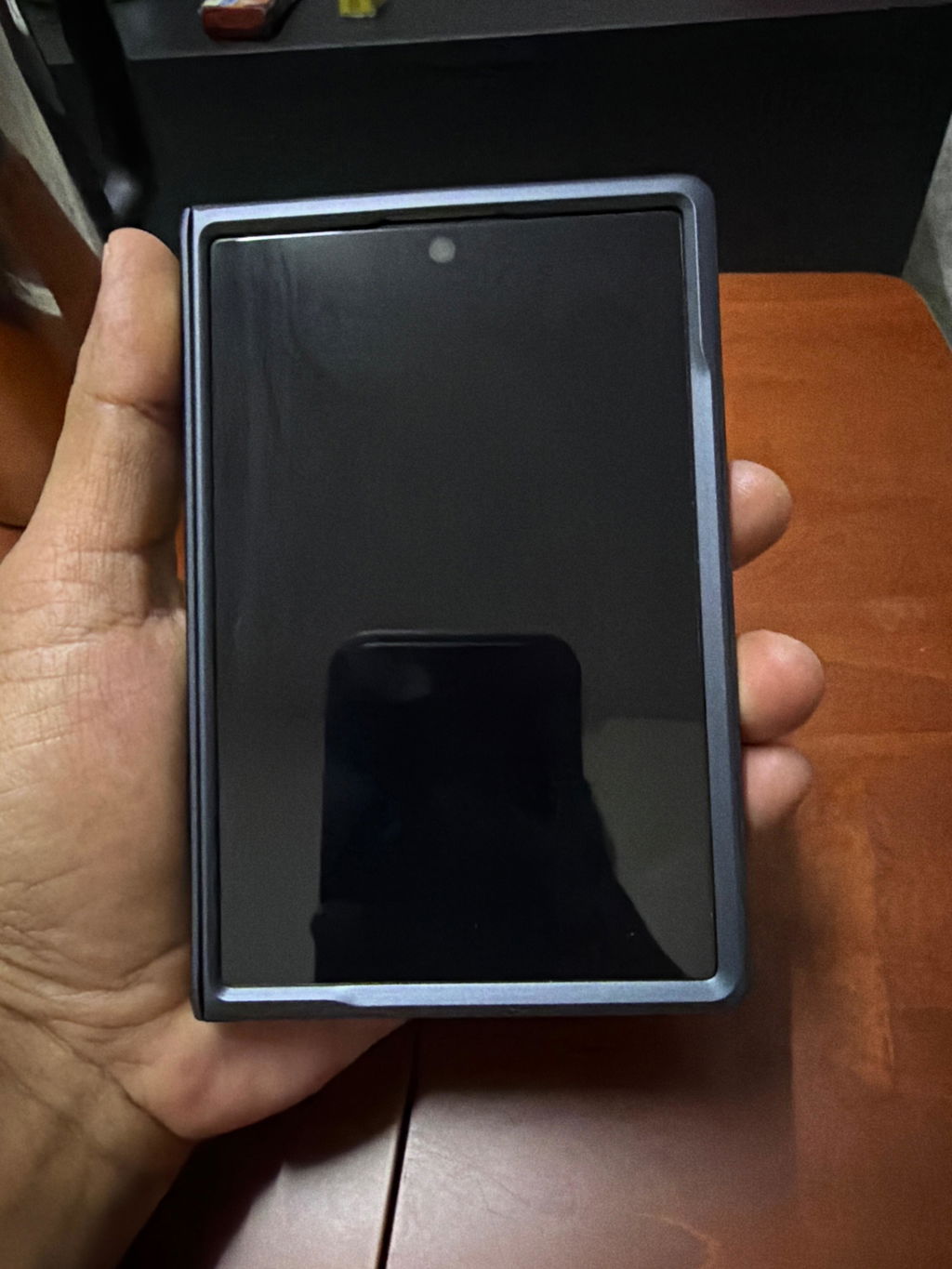
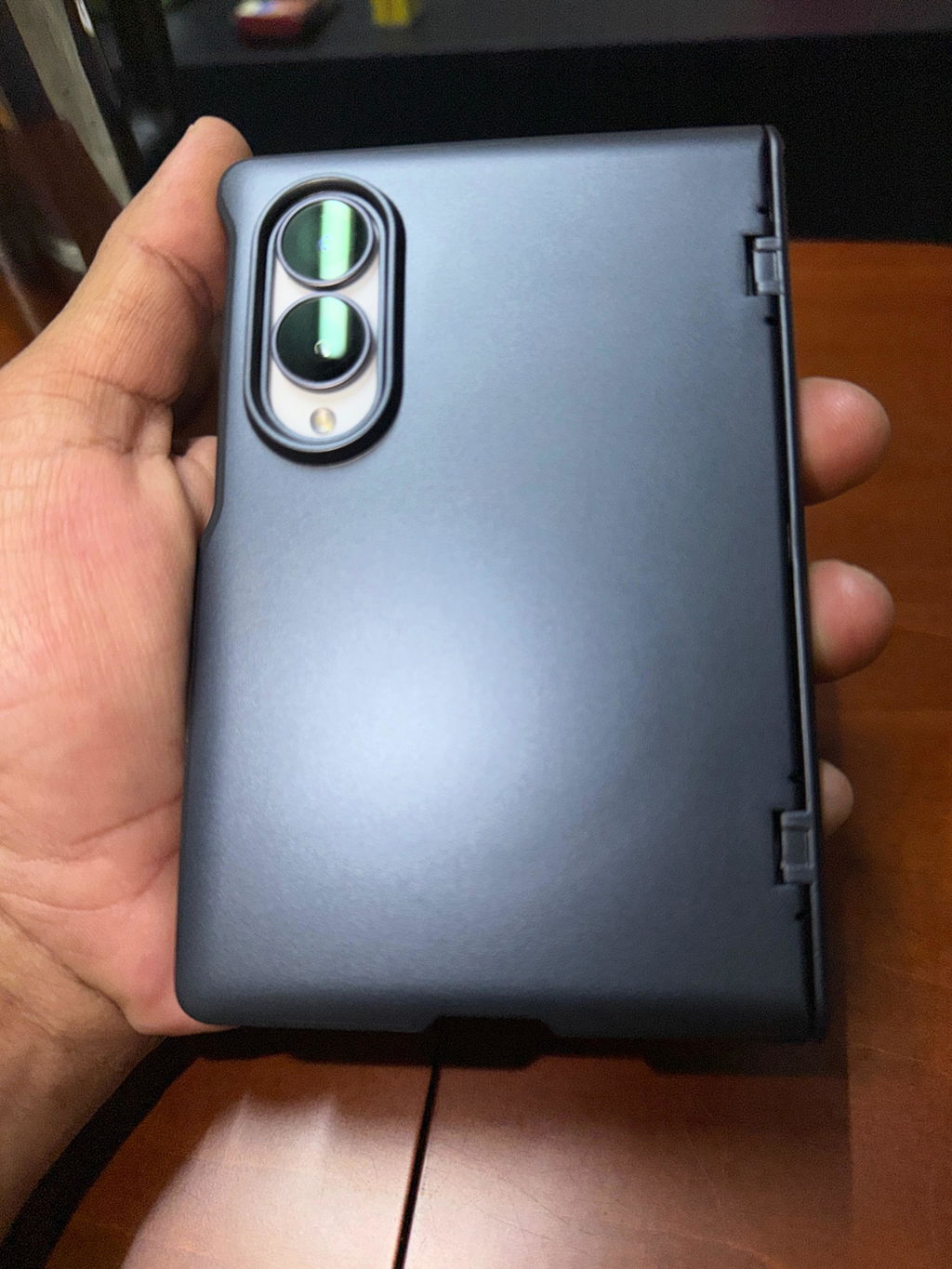
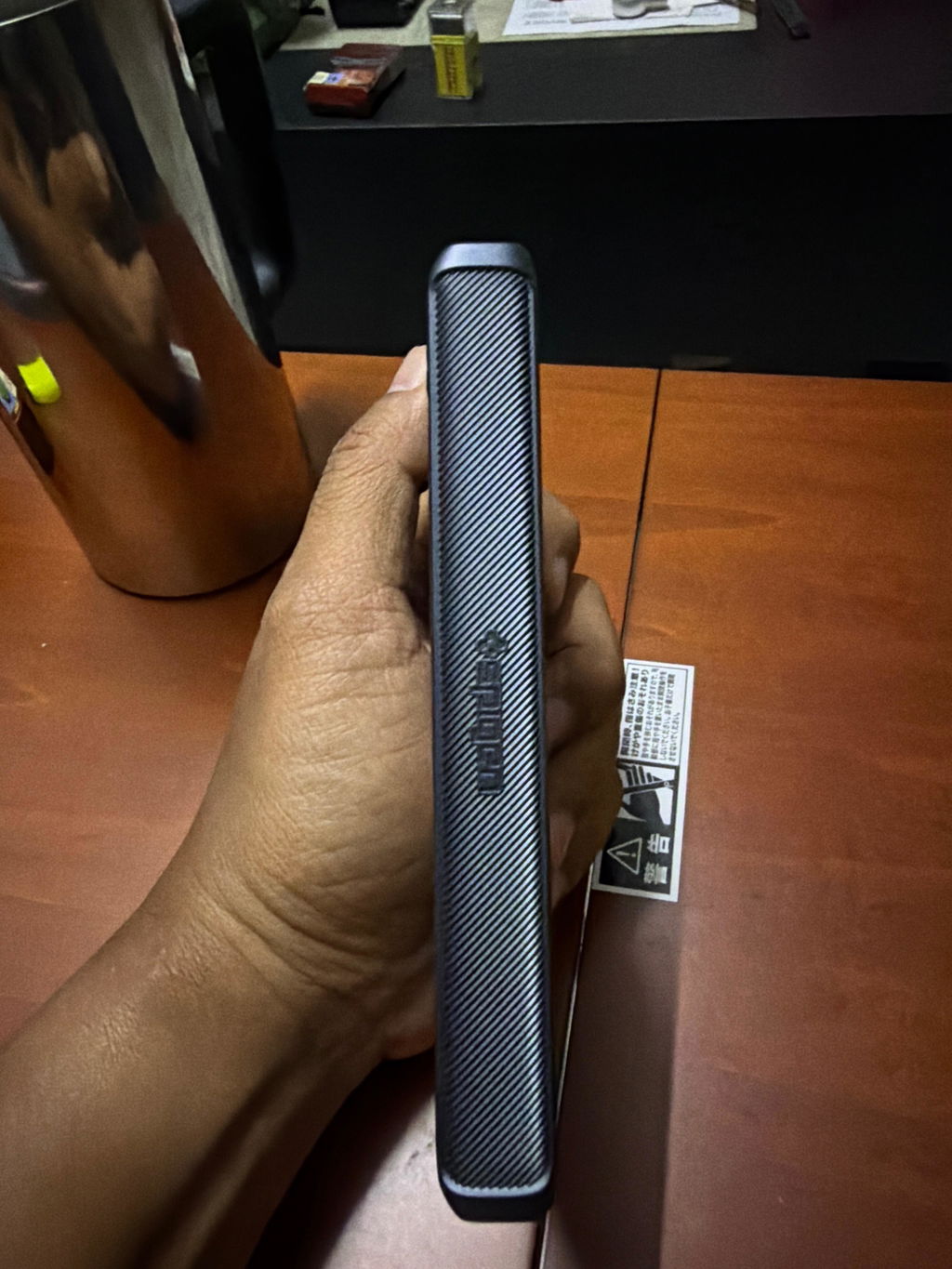
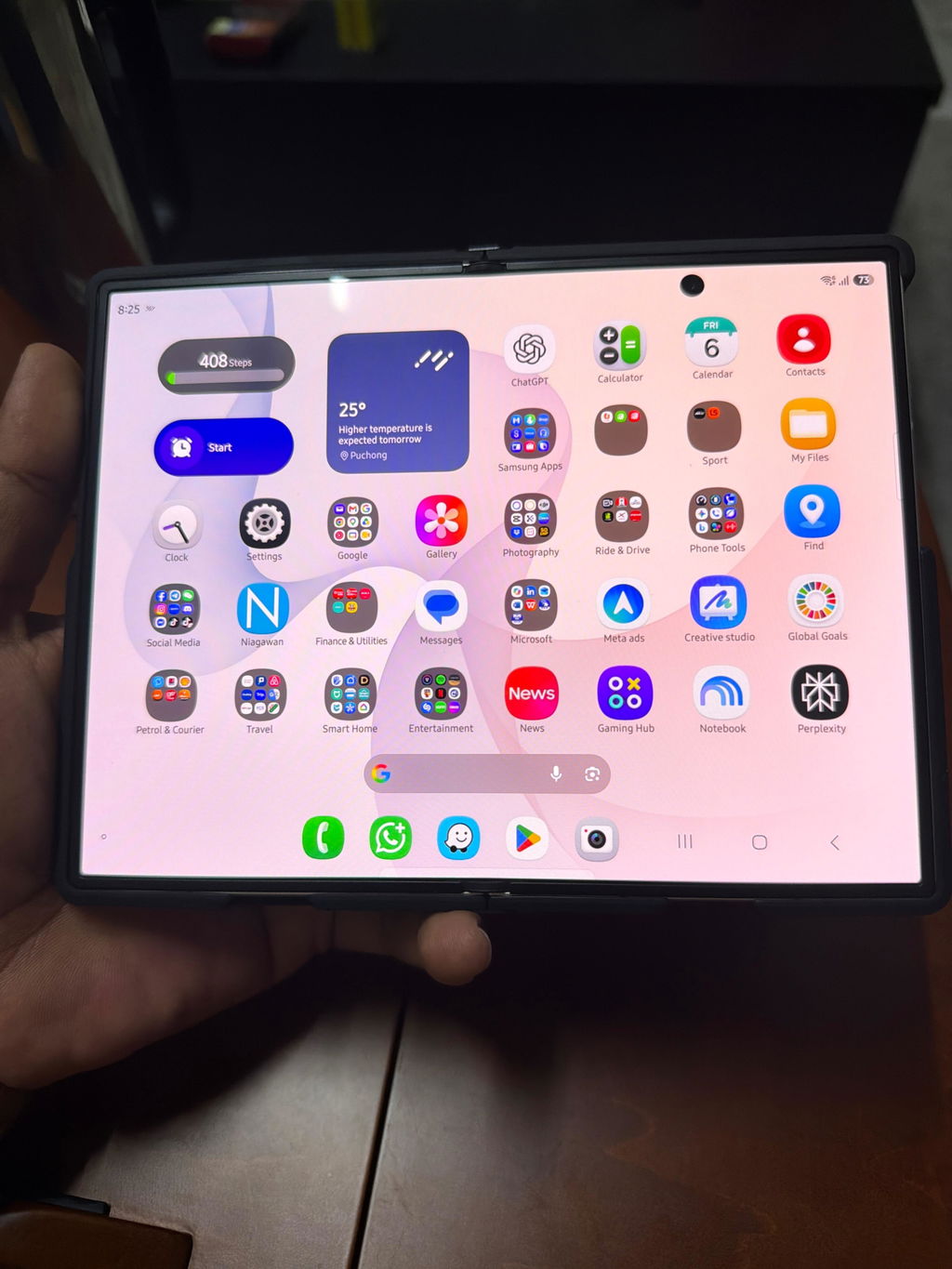
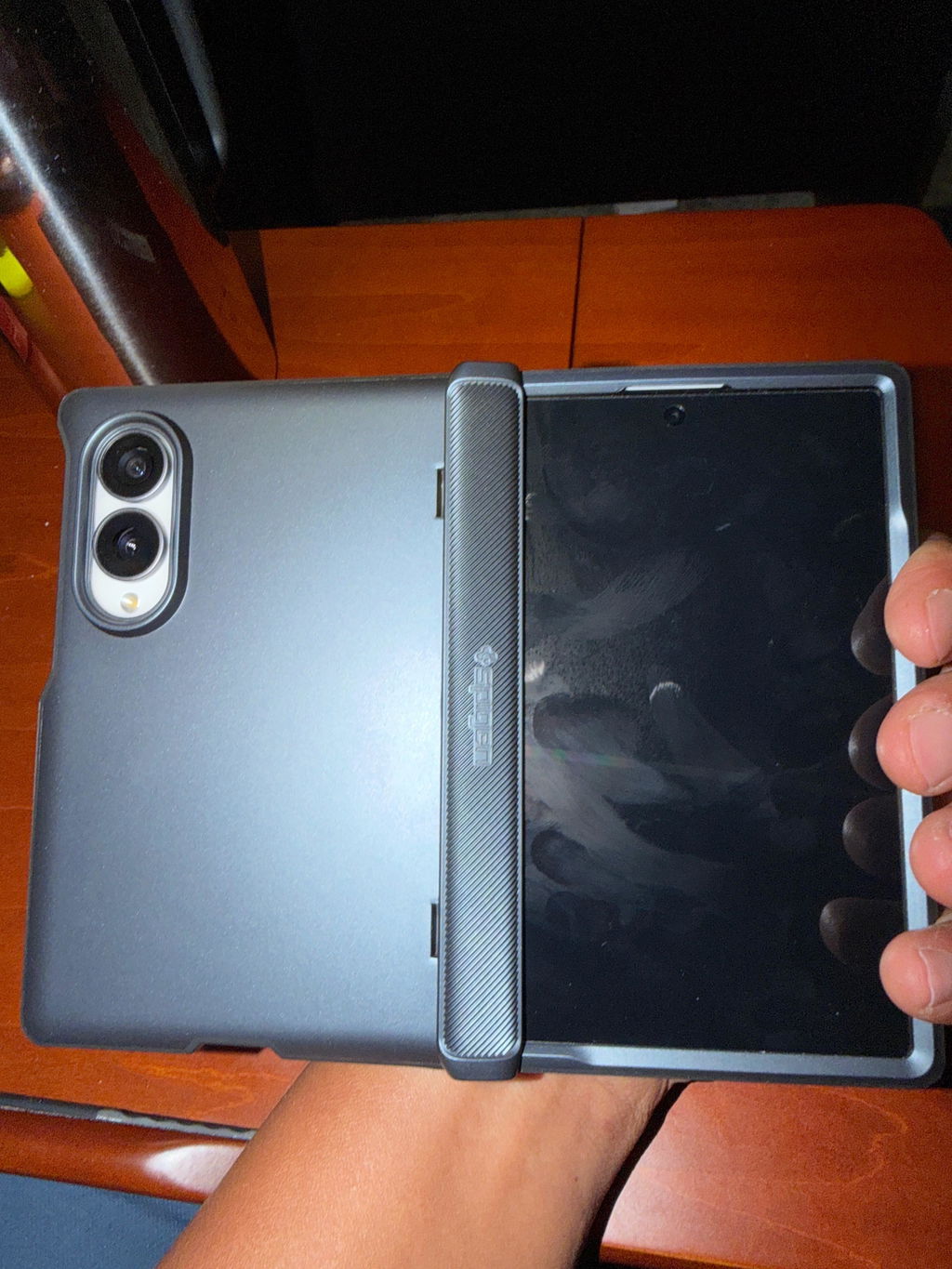
Best casing ni. Betul-betul fit dengan phone. Buka tutup pun smooth saja. Ada beli ringke, to bila buka skrin tengah ada bunyi macam hinge casing tu sangkut. Tapi yang ni memang betul2 puas hati. Tak terlampau tebal.
At this price the Liberty 5 Pros are an incredible value. The ANC is very competitive with the Bose Ultras or the new Sony earbuds at a fraction of the price. They are less fussy than the Bose when it comes to pairing and maintaining a bluetooth connection. The sound is good and the app really allows you to tailor that sound. The earbuds do not stick out as far as the Airpods 3 Pro, so you can wear then on a plane with a neck support. The translation feature works nicely, and I really like the option in the app to have the noise cancelling stop when you speak--much easier than the constant tapping. And the call feature is truly world class. The price offered here is below normal retail, and make them an outstanding value. Every time I board a plane, I carry these with me. I know of no other earbud that offers this verstatility and anywhere near this price. I am sold!!