Precision matters. Follow these steps exactly — your vehicle depends on it.
Before You Begin
The H24 Pro supports two voltage systems — 12V for cars and 24V for lorries and heavy vehicles. Selecting the wrong voltage can cause sparking or irreversible ECU damage. Take a moment to confirm your vehicle type before proceeding.
Step 1 — Select the Correct Voltage
On the H24 Pro, select your voltage mode before connecting anything.
12V — Standard passenger cars
24V — Lorries and heavy-duty vehicles
⚠️ Critical: Never connect the H24 Pro before setting the correct voltage. Wrong selection = sparks or ECU damage.
Step 2 — Connect the Clamps
With the voltage already selected, attach the H24 Pro alligator clamps to your vehicle's battery terminals. Ensure a firm, secure connection on both positive and negative terminals.
Step 3 — Read the LED Indicator
The H24 Pro will assess your battery's current state. Watch the LED indicator on the selected voltage mode (12V or 24V).
🔵 Blue LED on — Battery has sufficient voltage. You are ready to jump-start in Normal Mode.
⚫ Blue LED off — Battery voltage is too low. Proceed to Boost Mode below.
Boost Mode — When the Battery Is Too Weak
If the blue LED did not light up, your battery needs an extra push. Here is how:
Locate the small yellow circular button labelled Boost on the H24 Pro.
Press and hold it for 3 seconds.
The 12V or 24V LED will light up blue — confirming Boost Mode is active.
You may now crank and start the vehicle.
Important Safety Notice
🚫 Do not select 24V on a 12V vehicle system. Doing so will damage your vehicle's electrical system. This type of damage is not covered under warranty. Our warranty covers the H24 Pro unit only — not vehicle damage resulting from incorrect usage.
Used correctly, the H24 Pro is a powerful, reliable companion for any vehicle. Take the extra moment to verify your settings — it makes all the difference.
📹 Video Tutorial (English)
Watch the step-by-step video guide below.
Sebelum Memulakan
H24 Pro menyokong dua sistem voltan — 12V untuk kereta dan 24V untuk lori dan kenderaan berat. Memilih voltan yang salah boleh menyebabkan percikan api atau kerosakan ECU yang tidak dapat dipulihkan. Pastikan anda mengesahkan jenis kenderaan anda sebelum meneruskan.
Langkah 1 — Pilih Voltan yang Betul
Pada H24 Pro, pilih mod voltan anda sebelum menyambungkan apa-apa.
12V — Kereta penumpang biasa
24V — Lori dan kenderaan berat
⚠️ Penting: Jangan sambungkan H24 Pro sebelum menetapkan voltan yang betul. Pilihan yang salah = percikan api atau kerosakan ECU.
Langkah 2 — Sambungkan Klip Buaya
Setelah voltan dipilih, pasangkan klip buaya H24 Pro pada terminal bateri kenderaan anda. Pastikan sambungan yang kukuh dan selamat pada kedua-dua terminal positif dan negatif.
Langkah 3 — Baca Penunjuk LED
H24 Pro akan menilai keadaan semasa bateri anda. Perhatikan penunjuk LED pada mod voltan yang dipilih (12V atau 24V).
🔵 LED Biru menyala — Bateri mempunyai voltan yang mencukupi. Anda bersedia untuk jump-start dalam Mod Biasa.
⚫ LED Biru tidak menyala — Voltan bateri terlalu rendah. Teruskan ke Mod Boost di bawah.
Mod Boost — Apabila Bateri Terlalu Lemah
Jika LED biru tidak menyala, bateri anda memerlukan tenaga tambahan. Begini caranya:
Cari butang bulat kecil berwarna kuning berlabel Boost pada H24 Pro.
Tekan dan tahan selama 3 saat.
LED 12V atau 24V akan menyala biru — mengesahkan Mod Boost aktif.
Anda kini boleh menghidupkan enjin kenderaan.
Amaran Keselamatan Penting
🚫 Jangan pilih 24V pada sistem kenderaan 12V. Berbuat demikian akan merosakkan sistem elektrik kenderaan anda. Jenis kerosakan ini tidak dilindungi oleh waranti. Waranti kami meliputi unit H24 Pro sahaja — bukan kerosakan kenderaan akibat penggunaan yang tidak betul.
Jika digunakan dengan betul, H24 Pro adalah teman yang berkuasa dan boleh dipercayai untuk mana-mana kenderaan. Luangkan masa sebentar untuk mengesahkan tetapan anda — ia membuat semua perbezaan.
📹 Video Tutorial (Bahasa Malaysia)
Tonton panduan video langkah demi langkah di bawah.
Choosing a selection results in a full page refresh.
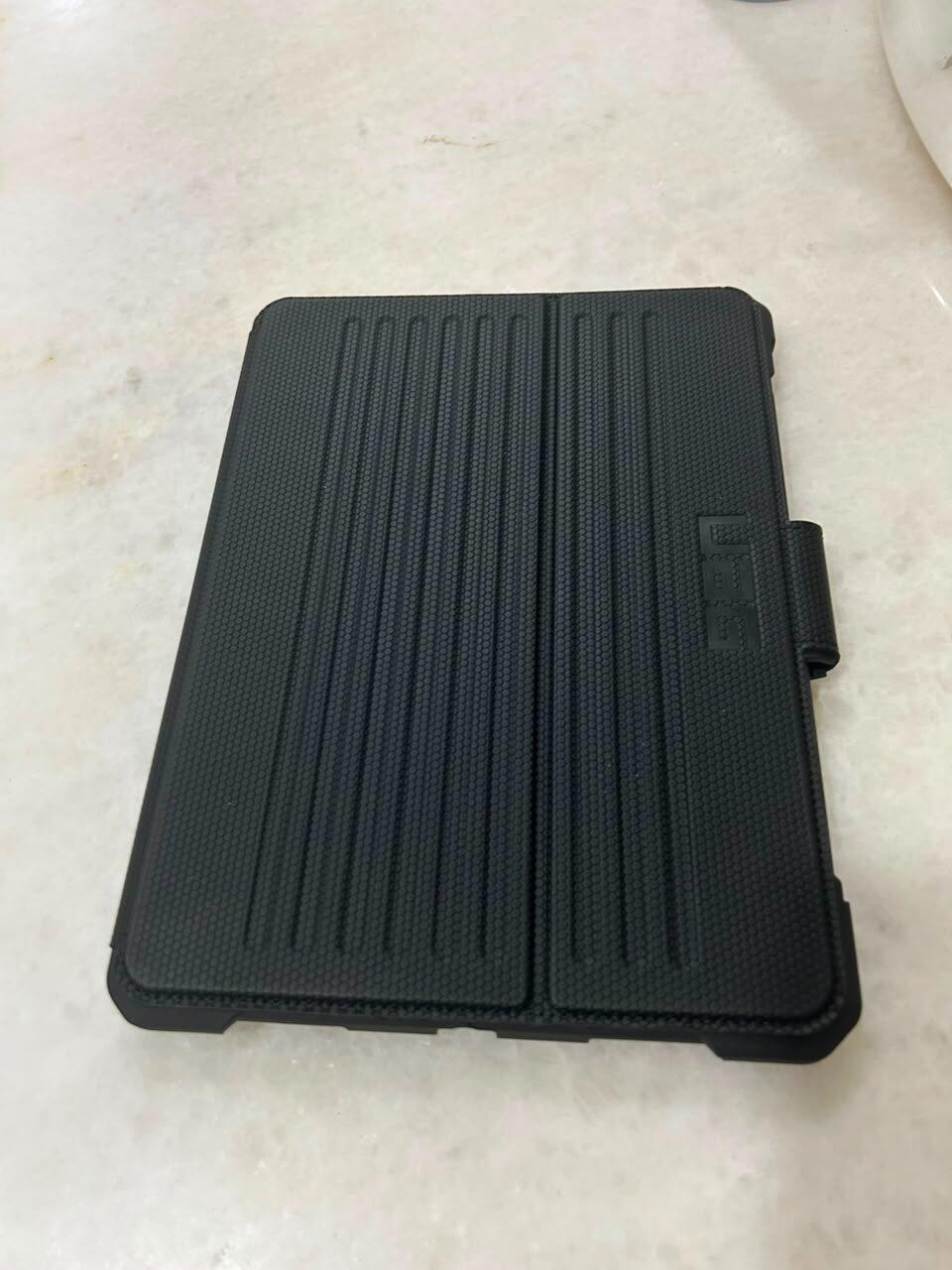
Love the case. High quality leather. The customer service team is really helpful in the process of buying the product. Responsive and fast. Would buy from here again in the future.